
Robot Vacuum Maintenance Tips for Better Long-Term Performance
Robot vacuums are built to make everyday cleaning easier, but they still need regular care to stay efficient over time. Good maintenance does not just keep the machine running. It also helps protect suction power, improve navigation, reduce odors, and extend the life of key parts. If you want your robot vacuum to deliver reliable results month after month, a simple upkeep routine makes a real difference.
Clean the Dustbin Before It Affects Suction
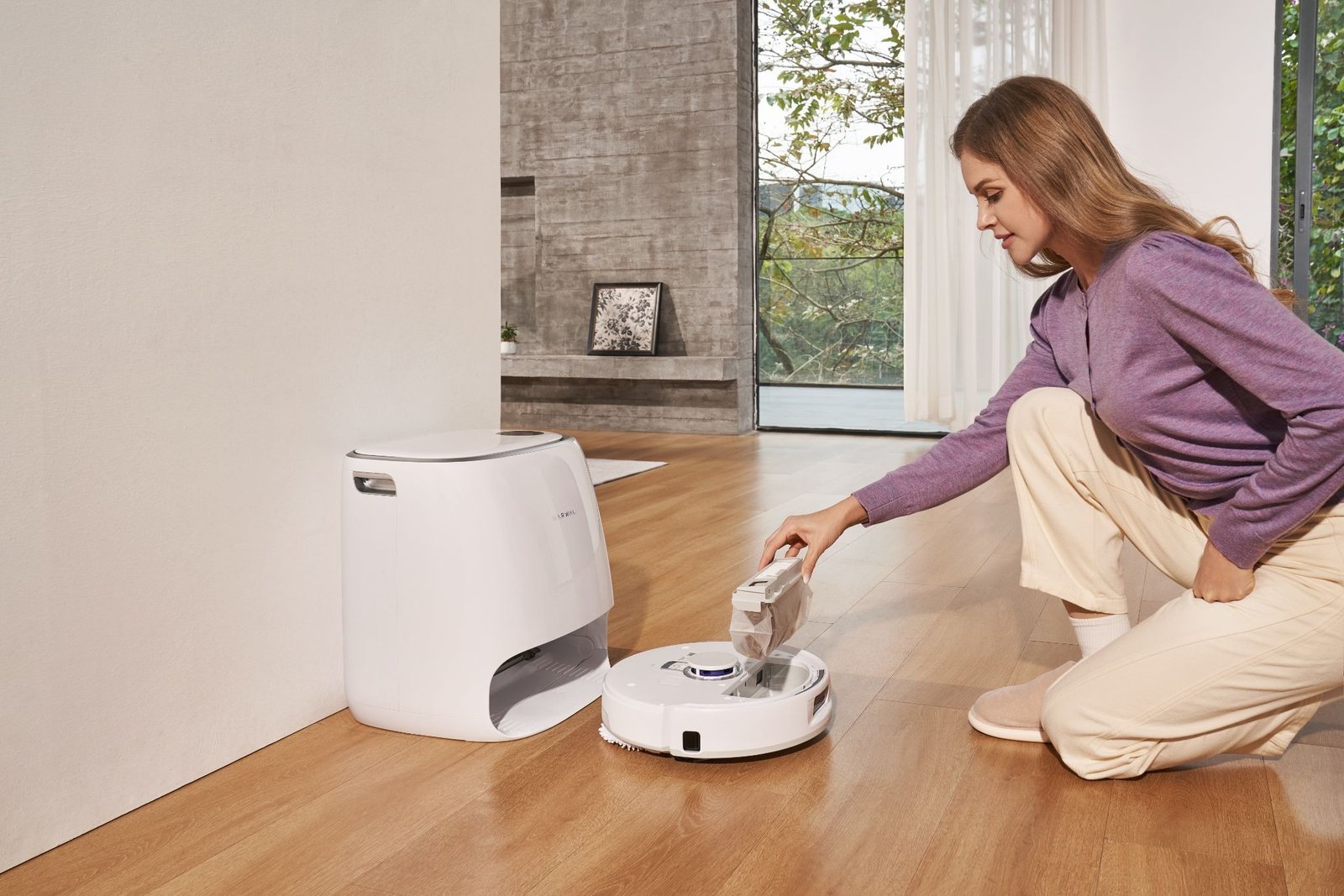
One of the most common reasons robot vacuums lose efficiency is an overfilled dustbin. When debris builds up too much, airflow drops and pickup performance can decline. Empty the dustbin regularly, especially if you have pets, long hair, or high daily dust levels in your home.
Even if your model has self-emptying capability, it is still smart to check the bin and internal air path from time to time. Fine dust, hair, and small debris can collect in corners and reduce cleaning efficiency without being obvious at first glance.
Remove Hair from Brushes and Wheels
Hair wrap is one of the biggest long-term maintenance issues for robot vacuums. Main brushes, side brushes, and wheel assemblies can all collect hair over time, which creates drag and makes the vacuum work harder than necessary.
Check these areas weekly and remove any tangled hair, threads, or fibers. If this step is skipped for too long, the robot may show weaker cleaning results, make more noise, or experience reduced movement performance. Homes with pets or long-haired users should treat this as a priority task.
Wipe Sensors and Charging Contacts
Robot vacuums rely on sensors to map rooms, avoid obstacles, detect edges, and return to the dock correctly. Dust or smudges on sensors can interfere with this process and lead to missed spots, navigation errors, or docking problems.
Use a soft dry cloth to gently wipe the cliff sensors, wall sensors, camera areas, and charging contacts. Do not use harsh chemicals. A quick wipe every one to two weeks can help keep navigation accurate and charging stable.
Maintain the Mop System Properly
For robot vacuum and mop combos, mop care is just as important as vacuum care. Dirty mop pads can spread residue instead of removing it, and moisture left in the system too long may cause unwanted smells.
Wash or replace mop pads as recommended for your model. If the unit has clean and dirty water tanks, empty and rinse them regularly. Let components dry properly when needed. Keeping the mopping system clean helps preserve floor-cleaning performance and reduces hygiene issues over time.
Replace Filters on Schedule
Filters help trap fine dust and allergens, but they do not stay effective forever. A clogged or worn filter can reduce airflow and force the vacuum motor to work harder. This affects both cleaning results and overall durability.
Check the manufacturer’s guidance for cleaning or replacing filters. In many homes, monthly inspection is a practical minimum. If you notice reduced suction, extra dust left behind, or a musty smell, the filter should be one of the first things you inspect.
Keep the Docking Station Area Clear
A robot vacuum needs a clean and accessible home base to perform consistently. If the docking station is blocked by shoes, furniture, cords, or clutter, the robot may struggle to return for charging, self-emptying, or mop maintenance.
Leave open space around the dock and keep the floor nearby dry and unobstructed. This helps the vacuum complete its cycle without interruption and reduces avoidable navigation problems.
Check for Software and Mapping Updates
Long-term performance is not only about hardware. Many robot vacuums improve over time through app updates, firmware changes, and smarter cleaning algorithms. Ignoring updates can mean missing important performance improvements or bug fixes.
Open the companion app regularly to check for firmware updates, map optimization options, and maintenance alerts. These small digital improvements can help the robot clean more intelligently and reduce wear caused by inefficient routes or repeated cleaning passes.
Use the Right Cleaning Settings for Your Home
Overusing maximum suction or intensive scrubbing modes when they are not necessary can create more wear over time. On the other hand, using settings that are too light for your home may leave debris behind and lead to repeated cleaning cycles.
Match the cleaning mode to your flooring, household traffic, and debris level. Homes with pets, children, or mixed floor types often benefit from customized room settings. Choosing the right balance helps the machine clean effectively without unnecessary strain. For users comparing smart cleaning solutions and upkeep-friendly designs, Narwal AU offers a useful starting point.
Build a Simple Maintenance Routine
The easiest way to protect long-term performance is to make robot vacuum maintenance part of your weekly cleaning rhythm. A practical routine may include emptying the bin, checking brushes, wiping sensors, cleaning mop parts, and reviewing the app for alerts.
This does not need to take long. In most cases, a few minutes of attention each week can prevent bigger performance issues later. Consistency matters more than complexity.
Final Thoughts
A robot vacuum is a long-term convenience product, but only if it receives regular care. Dust buildup, tangled brushes, dirty sensors, neglected filters, and poor dock conditions can all gradually reduce performance. The good news is that most of these issues are easy to prevent.
With the right maintenance habits, your robot vacuum can stay efficient, reliable, and better equipped for daily cleaning over the long run.